




ACCOUNT
Registration panel
Use this area to create your username, add your mobile number and confirm profile details before…
Dragon Tiger, Mahjong Ways 2 and Royal Fishing sit near the first lobby row, with DANA, OVO, GoPay and QRIS visible before account funding.


The home screen points you to slots, live casino, sportsbook cards, fishing rooms and account tools without sending you through extra pages.
Pragmatic Play, PG Soft and Habanero are shown beside other studios so you can spot familiar provider names before entry.
Your wallet choices appear close to the account area because local funding speed matters before a session starts.
The home page is more than a launch screen. We use it to place account terms, category notes, help links and current promo boards where you can inspect them before committing funds.
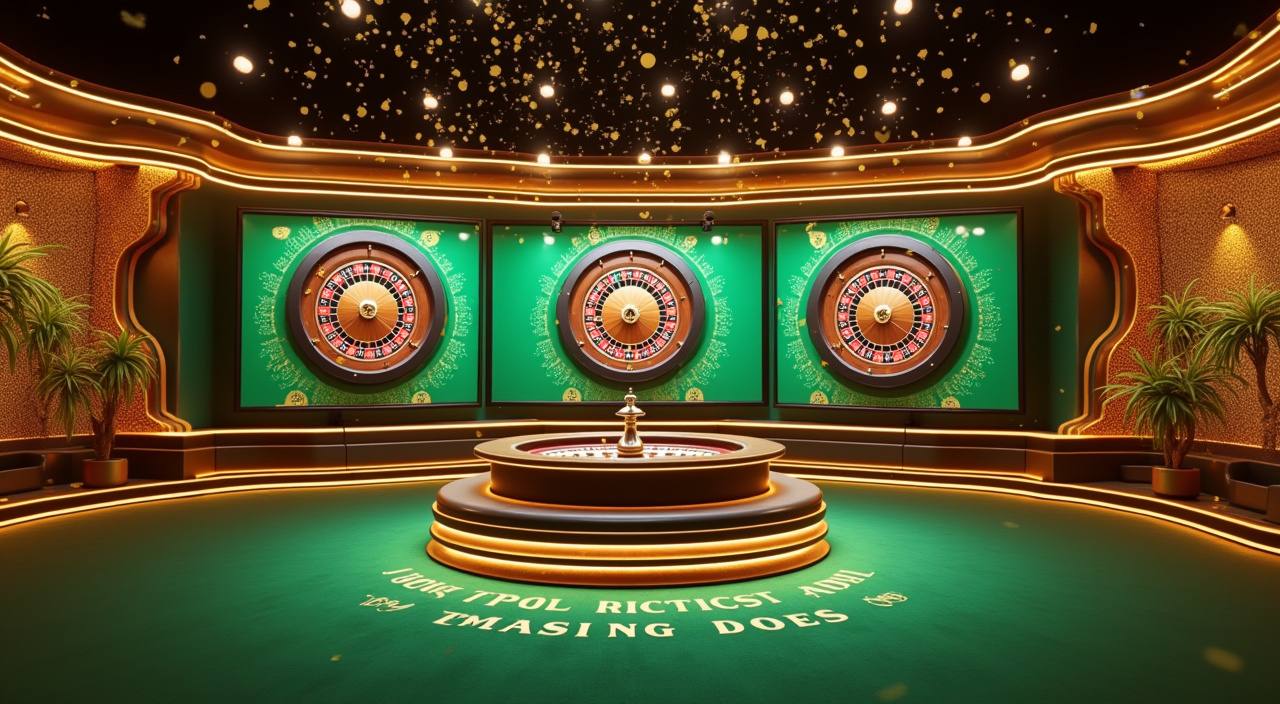


Your first look at the home page should confirm four things: the account button is visible, the wallet rail matches your local option, the lobby categories load cleanly…
Questions about login, wallet status or game entry should not send you hunting through the site. We keep three contact paths visible from the home area, and our help desk is staffed from 10:00 to 02:00 WIB. Share your username and the page you were using so we can check the right account log.
Use chat for login errors, account messages or wallet confirmations that need a quick check during staffed hours.
Send email when you need to attach screenshots or explain a longer account issue that requires careful checking.
Open help from your phone when the lobby, wallet row or game window behaves differently on a smaller screen.
Most account checks can be completed from a phone browser. The lobby compresses into stacked cards, the wallet rail stays near the account menu, and live chat remains in reach…
Account safety starts before you open a game. We keep login fields on controlled pages, mask password entry, and send you back to the account screen when a…
Many gambling searches send you through copied links, social posts and outdated mirrors.
Start from the header instead of a shared message link, so your login and registration path stays inside the same controlled page.
DANA, OVO, GoPay and QRIS are shown beside account actions, reducing confusion about which local rails are available today.
Casino, slots, fishing, crash and sportsbook categories sit together, so you can compare rooms without returning to search results.
Terms links remain near account and offer areas, giving you a direct place to check conditions before taking the next step.
Chat, email and mobile help appear on the home route, which is easier than chasing contact details from old posts.
The same lobby structure appears on phone, tablet and computer screens, making account checks familiar across your devices.
Return-to-player details belong inside the game help window or provider rules, so we do not invent figures on the home page.
Slot titles such as Mahjong Ways 2 and Gates of Olympus show rules and feature details inside the provider window.
Live table rooms list table rules, seat status and round history after the stream loads.
Rocket Crash uses its own round screen, where timing and cashout controls are shown before participation.
Royal Fishing displays weapon values and room rules inside the game interface, not on the home tile.
Sportsbook markets show odds and slip details in the market view before you submit any entry.
We shape the home page for Indonesian account habits: mobile entry first, DANA, OVO, GoPay and QRIS in the wallet rail, and help hours aligned to evening sessions. You can reach the lobby from Jakarta on a phone browser, then continue later from another device using the same account. Access depends on local law and is available only where local law permits.
The home page should show enough detail for a confident first decision. We surface account entry, category tiles, local rails, provider names, help routes and rule…
Open, login and balance controls are grouped in the upper page area so you can check account status before entering any room.
Casino, slots, sportsbook, fishing and crash cards appear as separate choices, making the first lobby decision easier to understand.
DANA, OVO, GoPay and QRIS appear as named rails, with amount and confirmation steps kept inside the wallet panel.
Studio labels such as Pragmatic Play, PG Soft and Habanero help you recognise who runs the game room before entry.
The contact area shows live chat, email and mobile help so you can ask about account or room issues from home.
Terms and account policies remain reachable from the page footer and offer areas before you use any account feature.
These questions focus on the m88epl home page because that is where your account journey starts. Use them to confirm access, wallet choices, games, devices and support before opening rooms. For account-specific questions, contact us from the same page and include your username.
Use the home page as your starting map. Open the account area first, confirm the wallet rail second, then choose a game category only after you have checked…
Create or enter your account from the header, then check whether your profile message asks for any missing detail.
Open the wallet panel and choose DANA, OVO, GoPay or QRIS only after confirming the displayed account name.
Select casino, slots, sportsbook, fishing or crash from the category cards, then read the room rules inside the game.
Use live chat or email if the balance, login page or game screen needs checking during staffed hours.